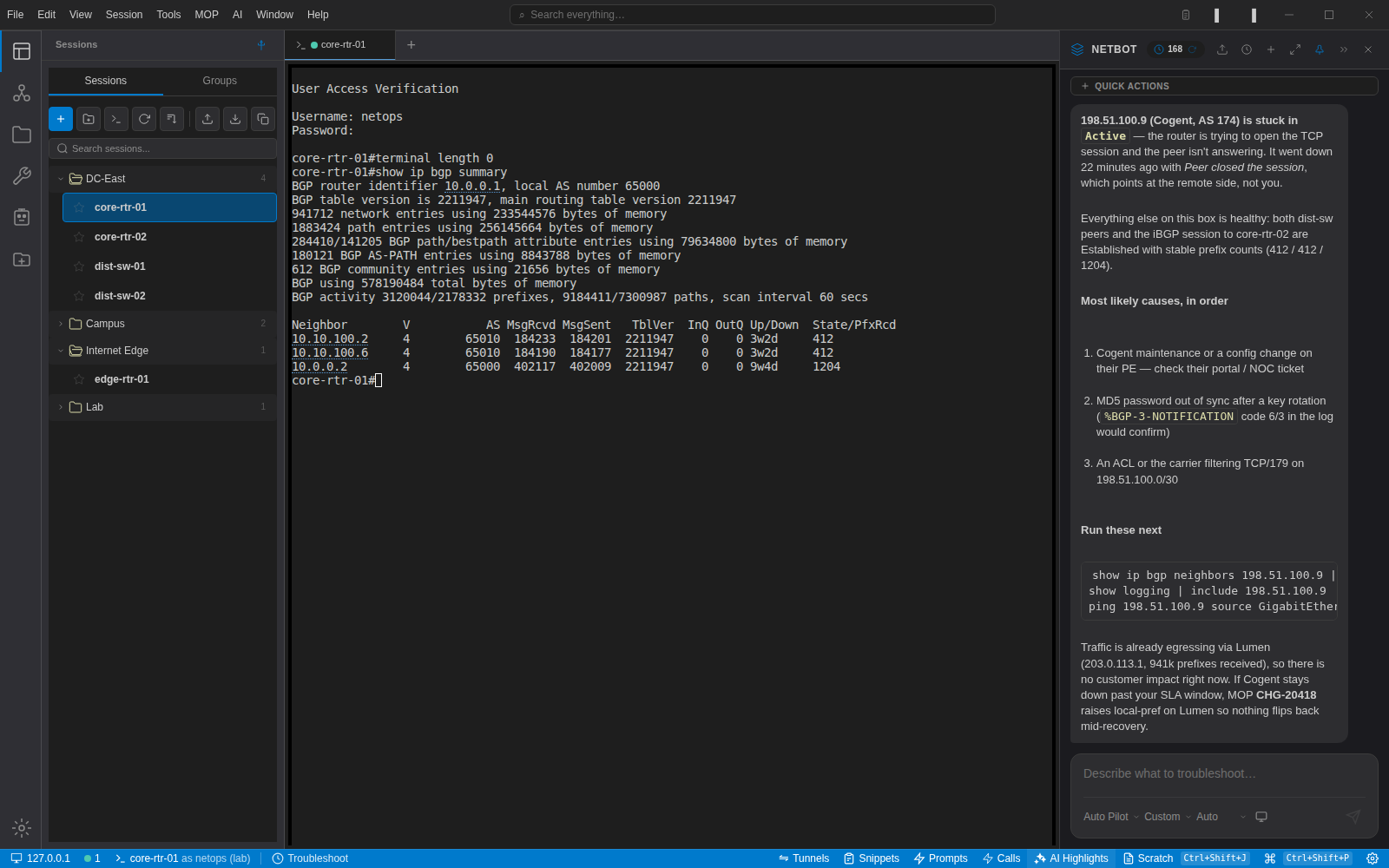
Network engineering, inside VS Code
SSH and Telnet terminals, NetBox inventory, AI assistance, and credential vault — all in your editor. Install free from the VS Code Marketplace and connect to your first device in under a minute.
ext install NetStacks.netstacks-vsceWorks anywhere VS Code runs — macOS, Windows, and Linux
Everything you need. Nothing you don't.
Built by network engineers who got tired of juggling legacy terminals, NetBox tabs, and disconnected tools. Now it all lives inside VS Code.
SSH & Telnet in VS Code Tabs
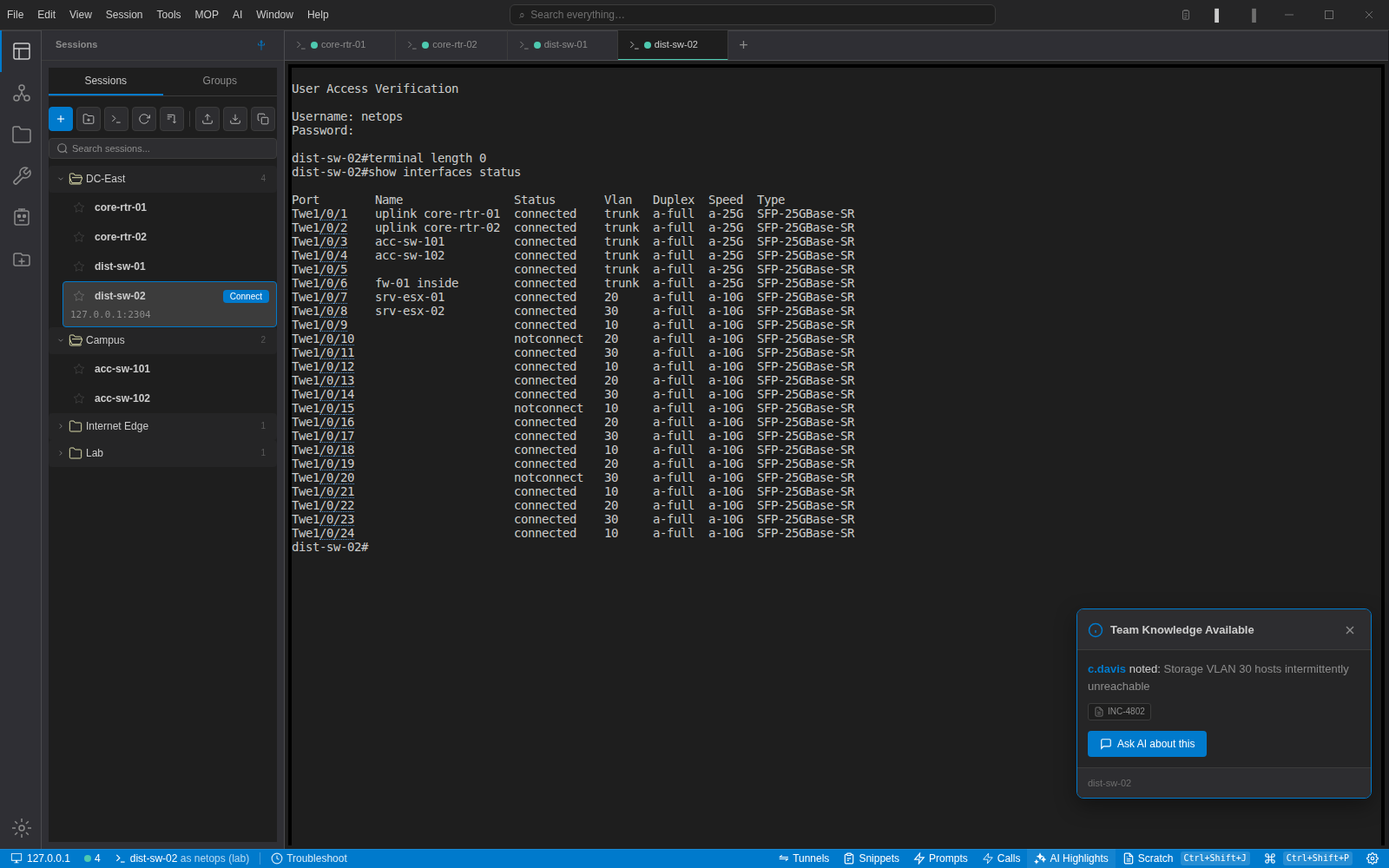
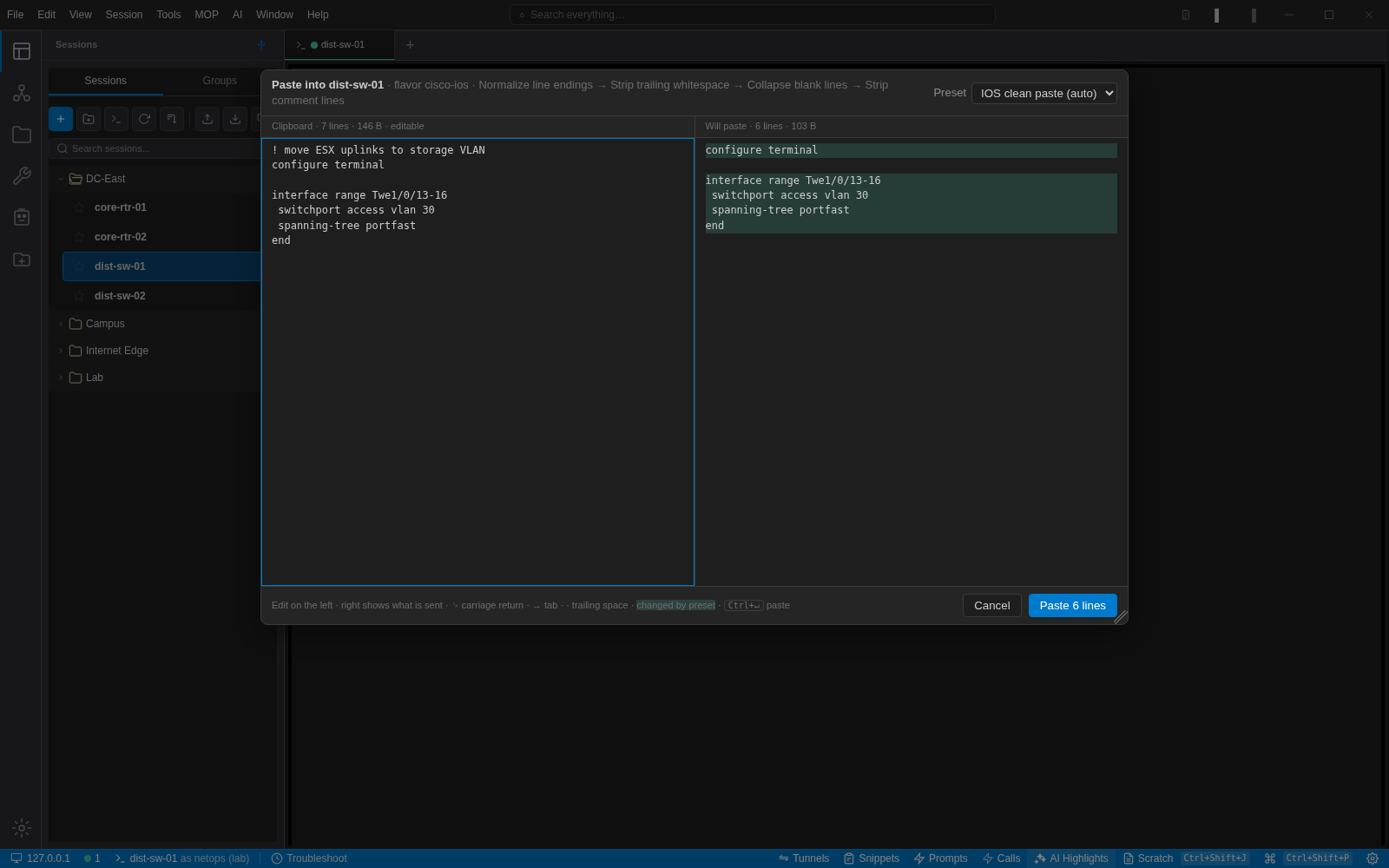
Full xterm.js terminal sessions rendered in editor tabs. WebGL renderer, search, web links, split panes, and multi-send mode — exactly what you expect from a professional terminal, without leaving your editor.
Learn more →NetBox Inventory Tree
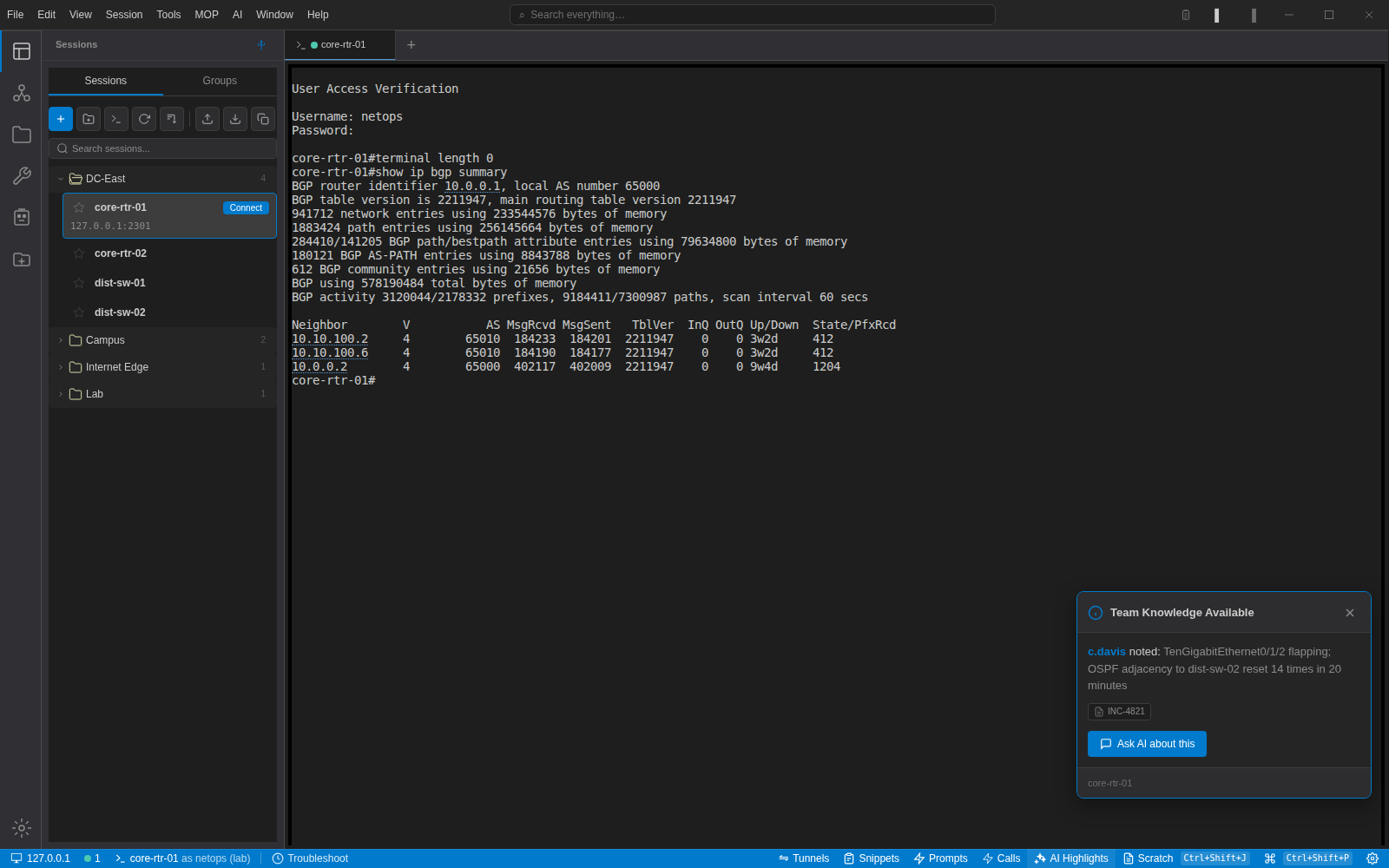
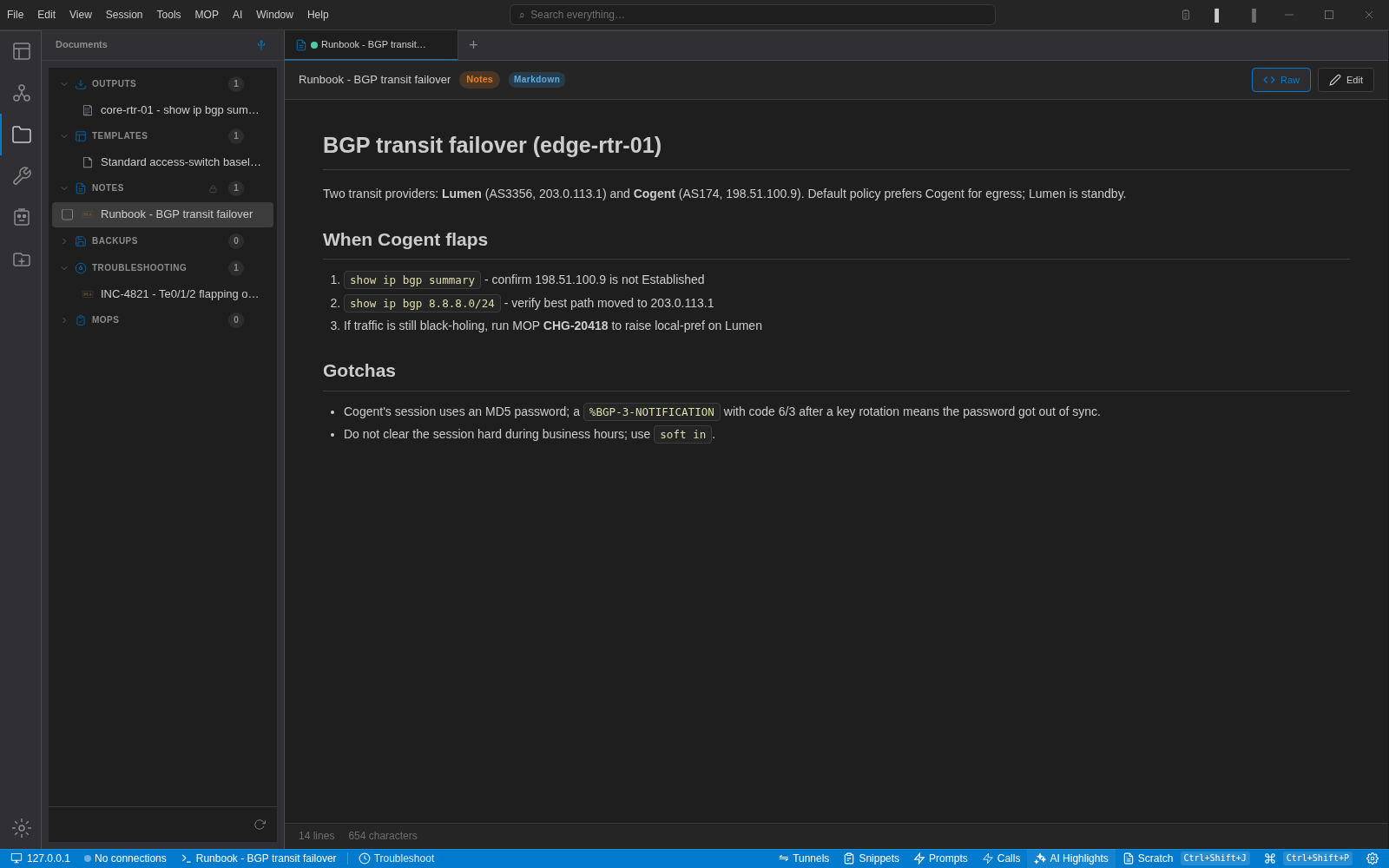
Browse your NetBox device inventory in a VS Code sidebar tree with lazy loading. One-click SSH connect to any device. Sessions and saved folders are shared with the NetStacks agent — no double entry.
Learn more →AI That Gets Networking
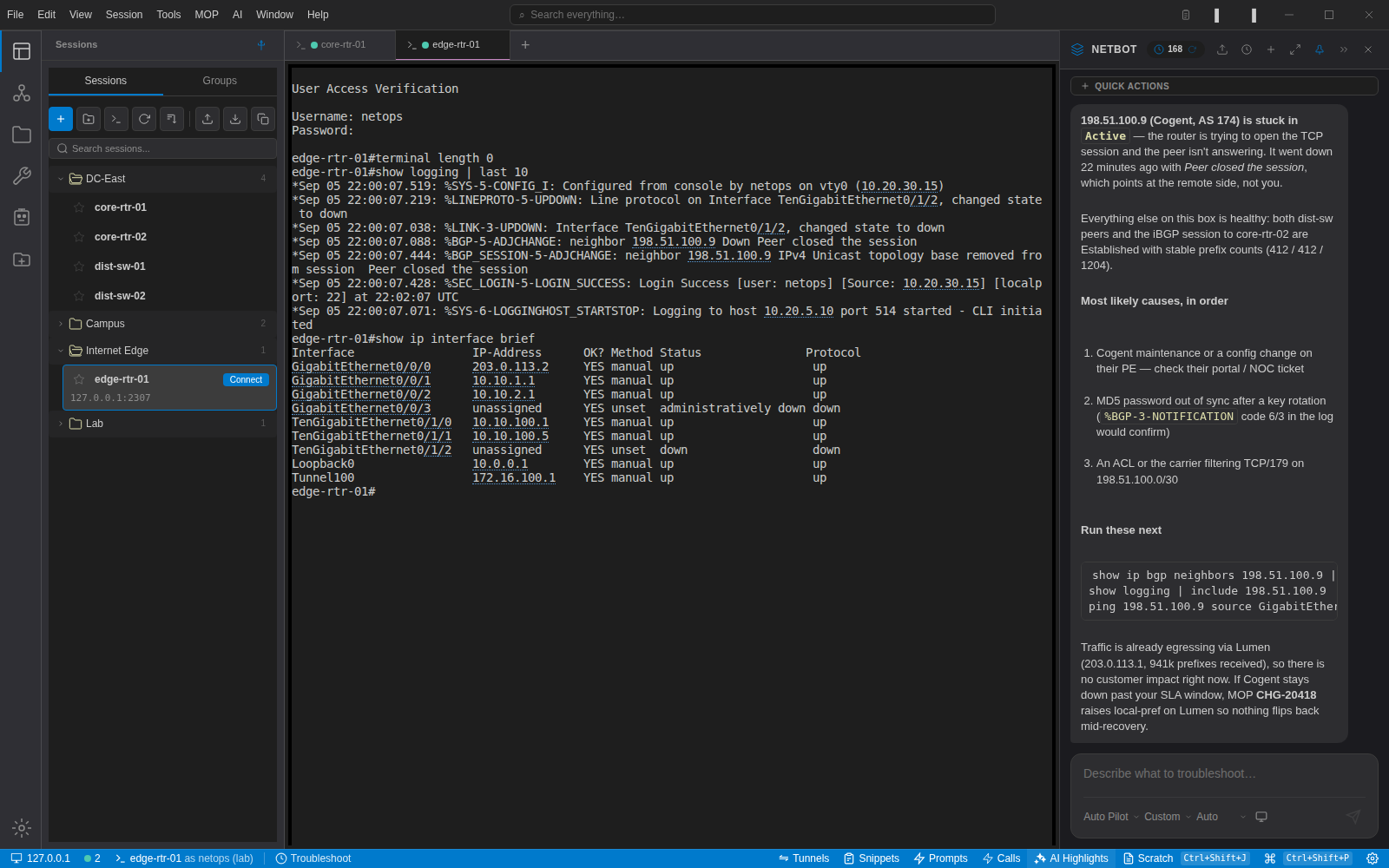
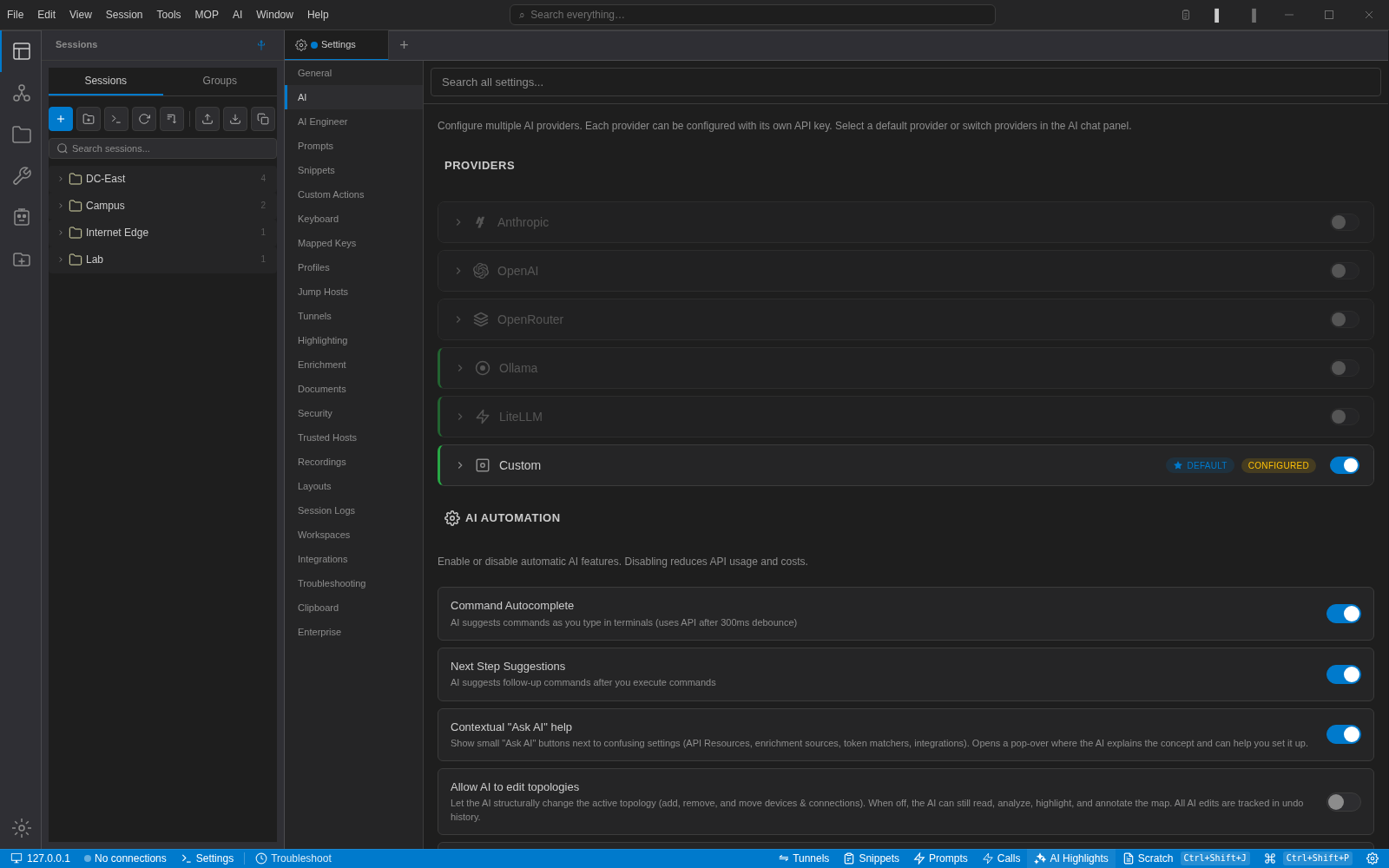
Protocol-aware assistance for BGP, OSPF, IS-IS, firewall rules, and more. Select terminal output and get an instant explanation. The built-in MCP server exposes 17+ tools to Claude Code, Cursor, and Continue.
Learn more →Sessions, Organized
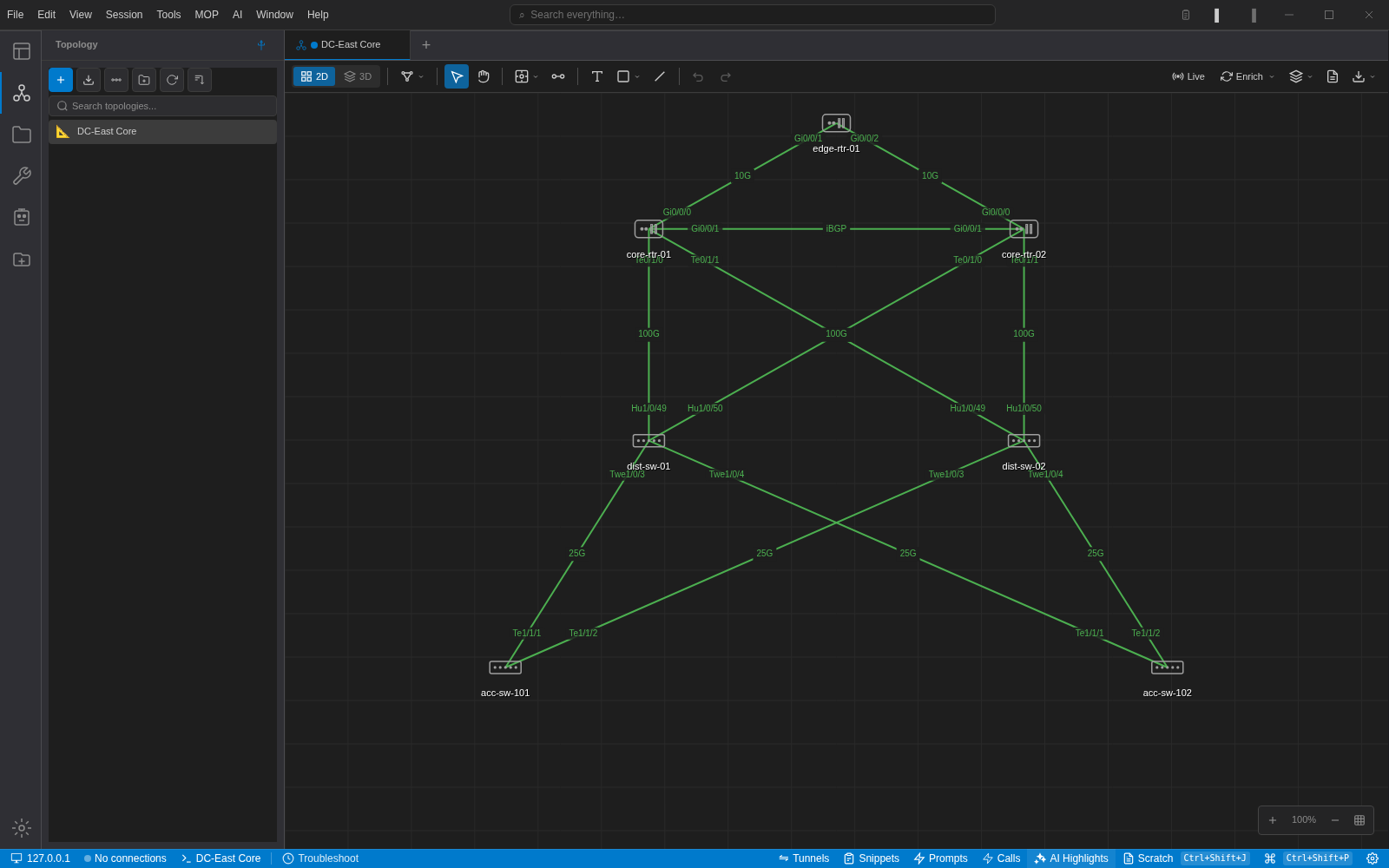
Folders, tags, and saved sessions synced to a shared data directory. Import from legacy terminal tools. Multi-send broadcasts commands to dozens of devices simultaneously — no chaos, no scattered files.
Learn more →Credential Vault
AES-256-GCM encrypted local vault with master-password unlock gate. Passwords and SSH keys never stored in plaintext. Vault data is shared between the VS Code extension and NetStacks Terminal app.
Learn more →MCP Server Integration
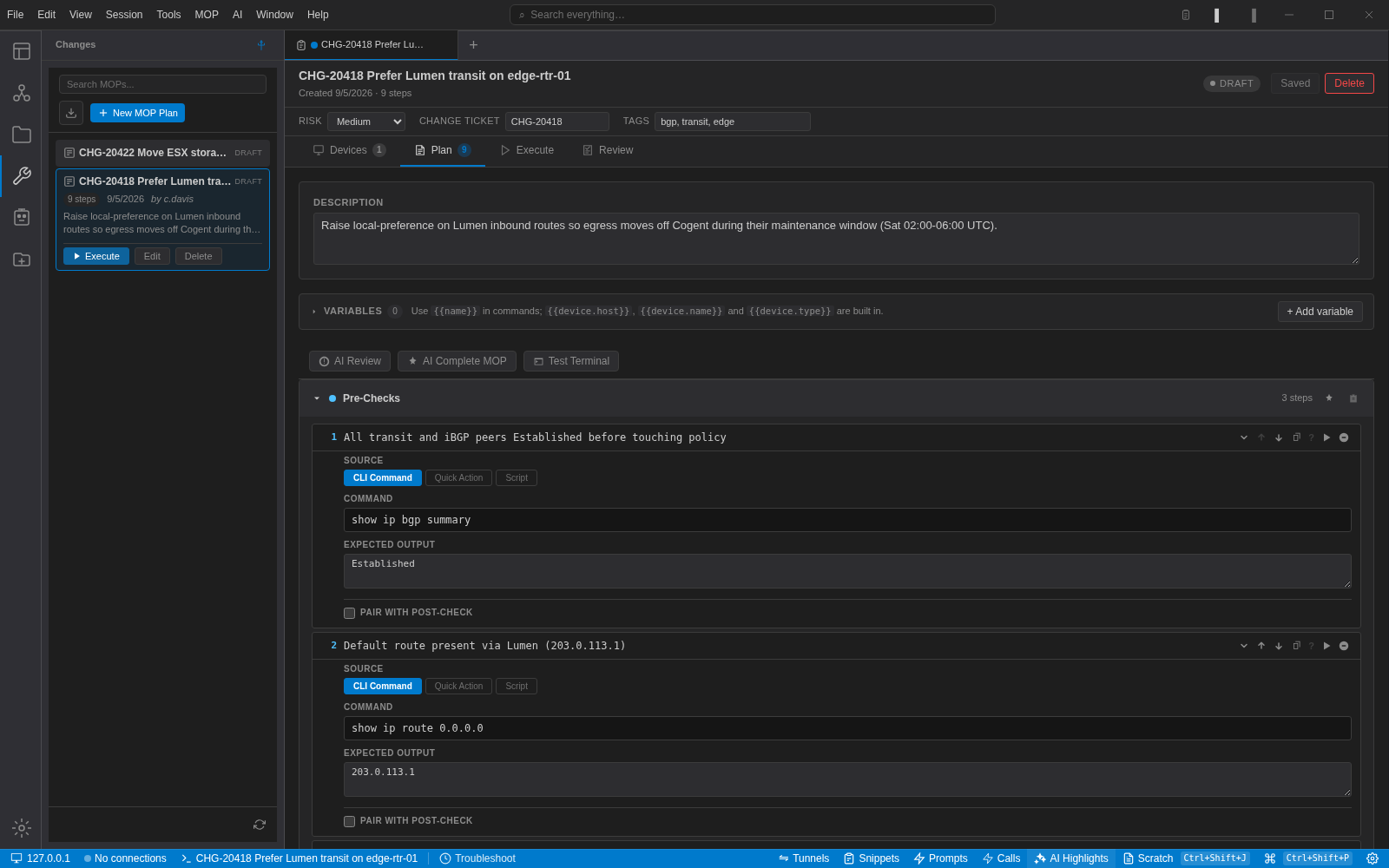
NetStacks includes a Model Context Protocol server exposing session management, NetBox queries, SNMP operations, DNS/WHOIS/ASN lookups, and active terminal context to any MCP-capable AI client.
Learn more →Your network workflow, inside VS Code
From connect to troubleshoot in seconds, not minutes.
Browse & Connect
Open the NetStacks sidebar in VS Code. Browse your NetBox inventory tree or saved sessions. Click any device to open an SSH or Telnet session in an editor tab — no separate window needed.
Troubleshoot with AI
Run your commands. Select confusing output. The AI assistant explains what you're seeing and suggests next steps — with full awareness of the device you're connected to. No context switching.
Let AI Clients In
The built-in MCP server exposes your sessions, NetBox inventory, SNMP data, and DNS lookups to Claude Code, Cursor, Continue, and any MCP-capable AI client. Run the MCP Setup command and copy one JSON block to wire it up.
# Send to 24 devices simultaneously [broadcast] show version | include uptime [dc1-spine-01] 12:34:56.789 uptime is 47 weeks, 3 days [dc1-spine-02] 12:34:56.823 uptime is 47 weeks, 3 days [dc1-leaf-01] 12:34:56.891 uptime is 12 weeks, 1 day [dc1-leaf-02] 12:34:56.912 uptime is 12 weeks, 1 day ... AI 2 devices show significantly less uptime. Possible recent reboot or maintenance event.
Ready to upgrade from legacy terminals?
Keep everything you love. Add everything you've been missing.
| Feature | NetStacks | SecureCRT / PuTTY |
|---|---|---|
| Terminal | ||
| SSH & Telnet sessions | ||
| Lives inside VS Code | ||
| xterm.js WebGL renderer | ||
| Multi-tab & split panes | ||
| Multi-send (broadcast) | ||
| Jump host / bastion support | ||
| Inventory & Integration | ||
| NetBox inventory sidebar | ||
| One-click connect from inventory | ||
| Session folders & tags | ||
| Import from legacy terminals | ||
| AI & Automation | ||
| AI terminal assistant (BYOK) | ||
| MCP server for AI clients | ||
| Network-aware suggestions | ||
| Security | ||
| Encrypted credential vault | ||
| SSH key management | ||
| Active development | ||
Import your existing sessions in one click. Keep your workflows; pick up modern tooling — free, in VS Code.
Ready to try NetStacks?
Free, no sign-up required. Install the extension, connect your first device, and start working — in under a minute.